3D Interactive Library Educational Clips
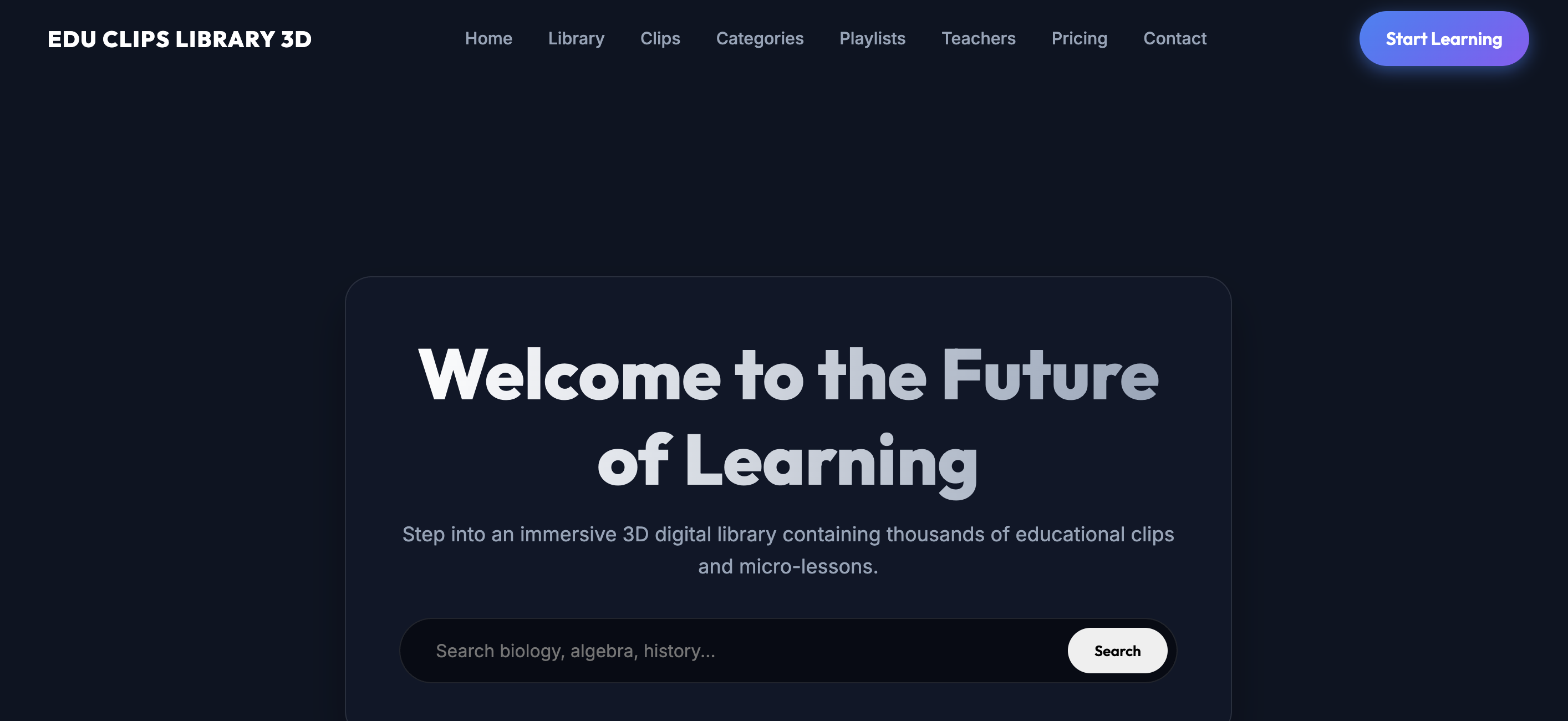
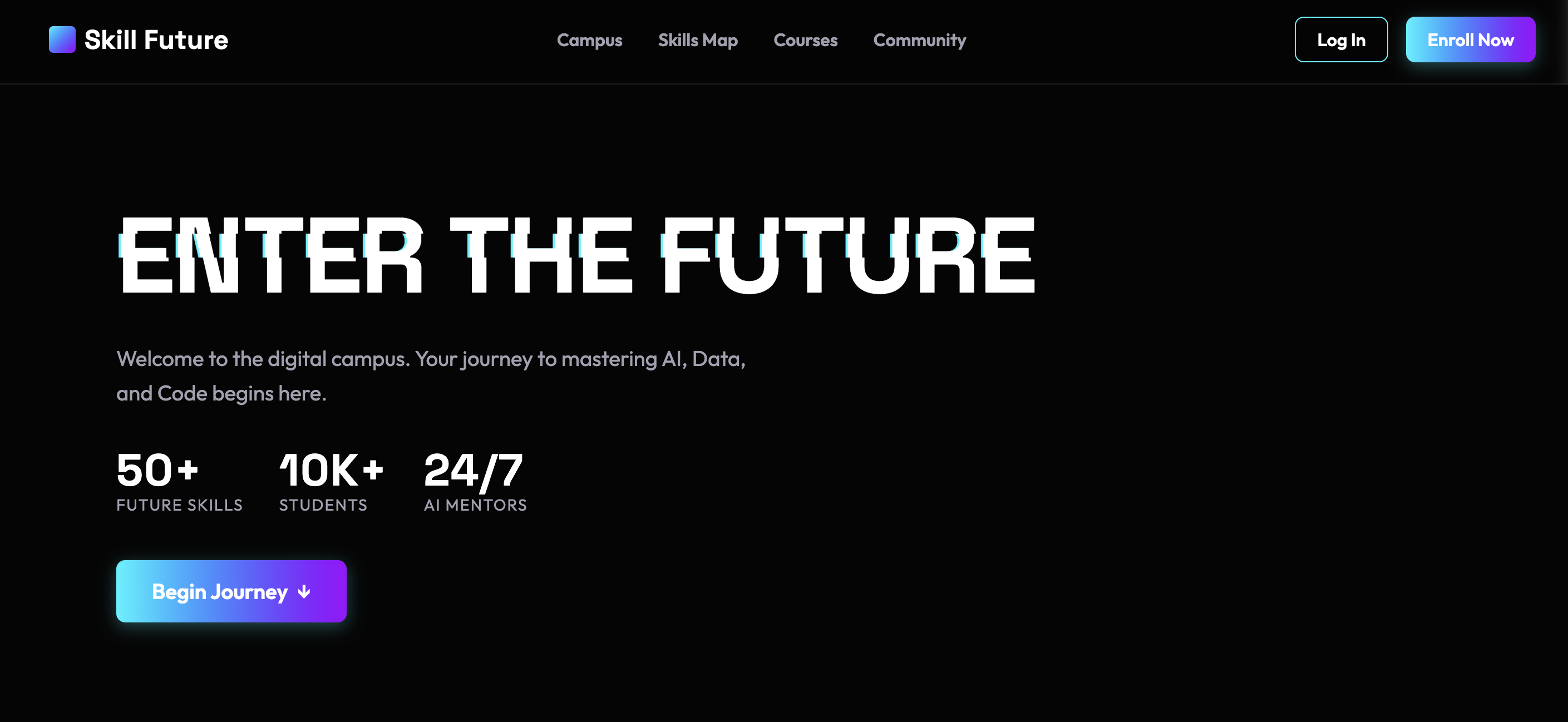
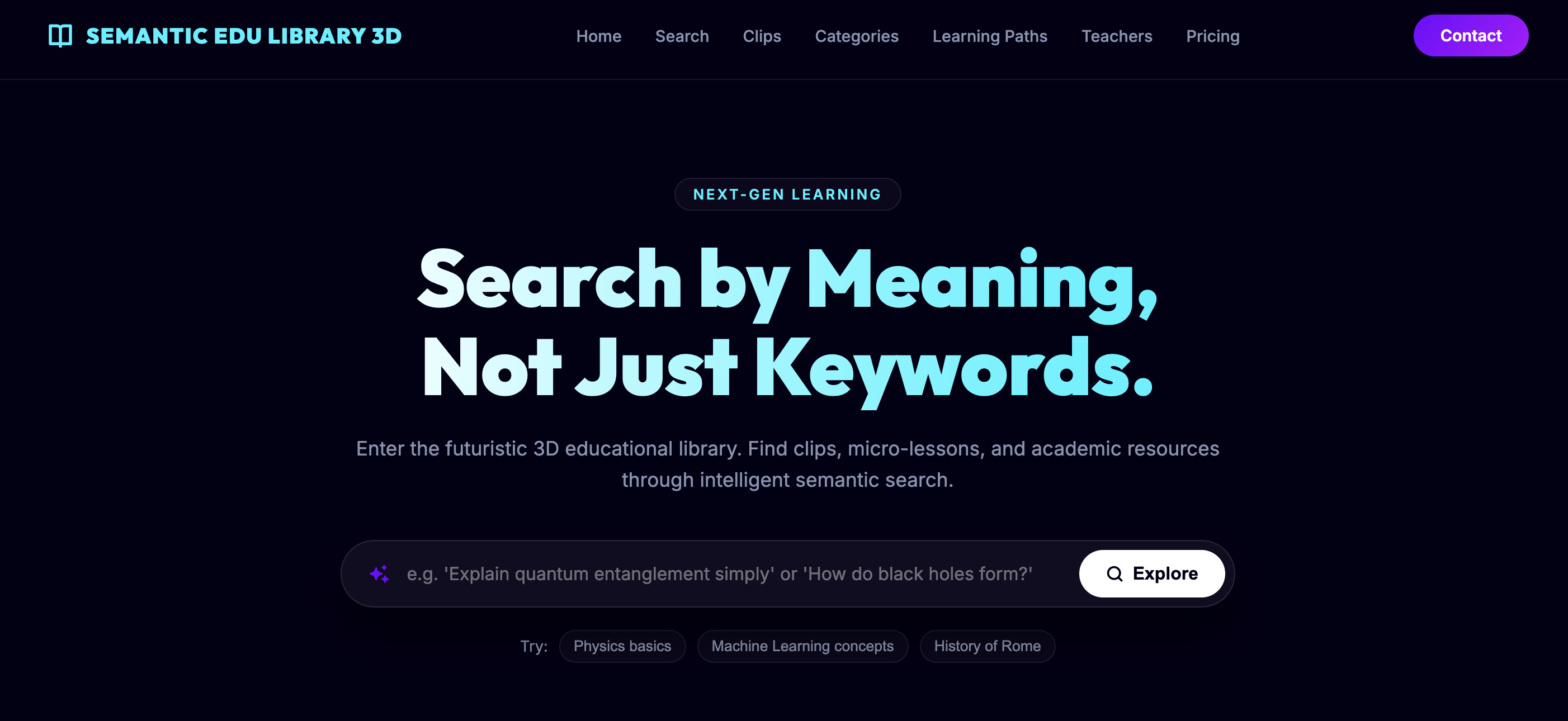
{ "name": "3D Interactive Library Educational Clips", "objective": "Develop a modern, educational, immersive and interactive landing page to present a 3D digital library of educational clips, micro-lessons, short videos, learning resources, training capsules, visual explanations, quick guides and academic content.", "main_concept": "The website should feel like entering a futuristic educational library where each shelf contains clips, lessons and interactive resources. As the user scrolls, they should visually move through a 3D library with aisles, shelves, holographic screens, digital books, tablets, floating video clips, subject categories, whiteboards, study stations and progress panels.", "main_requirements": [ "Create a complete, modern, functional and responsive landing page.", "Include a visible 3D canvas integrated into the main experience.", "Add 3D scroll animations.", "Add parallax effects on text, shelves, books, clips, cards, tablets, screens, icons, whiteboards, lights and backgrounds.", "Create an experience focused on education, microlearning, a digital library, educational clips, content search, playlists, visual learning and student progress.", "All buttons must work correctly.", "Optimize for desktop, tablet and mobile.", "Use smooth, clear, educational and performant animations.", "Keep the scene readable, organized, accessible and premium.", "Work freely to improve the 3D scene, educational narrative, interactions, visual design, parallax and conversion flow." ], "structure": { "header": { "logo": "EDU CLIPS LIBRARY 3D", "menu": [ "Home", "Library", "Clips", "Categories", "Playlists", "Teachers", "Pricing", "Contact" ], "featured_button": "Start Learning", "description": "Fixed header with a translucent glassmorphism-style background, functional hamburger mobile menu and smooth scrolling to each section." }, "hero": { "main_title": "Explore Educational Clips Inside an Interactive 3D Library", "subtitle": "Discover short lessons, visual explanations, study playlists and learning resources through an immersive digital library experience.", "buttons": [ "Enter Library", "Browse Clips", "Start Learning" ], "background": "A 3D educational library with modern shelves, digital books, screens with clips, floating tablets, lesson cards, glowing whiteboards, study paths, academic icons and visual depth.", "parallax": "Add parallax between the title, clips, books, shelves, screens, cards, lights and background." }, "canvas_3d": { "name": "Interactive Educational Library", "description": "Create a 3D scene inside a canvas that represents a premium, futuristic and friendly educational library.", "elements": [ "Main library entrance", "Aisles with digital shelves", "Floating books", "Holographic screens with educational clips", "Tablets with micro-lessons", "Course cards", "Interactive whiteboards", "Study stations", "Subject categories", "Search panel", "Playlist wall", "Progress dashboard", "Abstract teacher or tutor avatars", "Downloadable resources", "Bookmarks, notes, headphones and digital pencils", "Soft lights, clean shadows and visual depth" ], "hotspots": [ "Search Library", "Featured Clips", "Science Shelf", "Math Shelf", "Language Shelf", "History Shelf", "Study Playlists", "Progress Dashboard", "Start Learning" ], "main_animation": "The “Enter Library” button must trigger a visible camera animation entering from the main door toward the shelf aisles and the educational clips wall." }, "3d_scroll_storytelling": { "zones": [ "Main entrance", "Educational search", "Shelves by category", "Featured clips", "Learning playlists", "Micro-lesson station", "Progress dashboard", "Teachers and tutors", "Access plans", "Final contact" ], "transformations": [ "translateZ for depth", "scale to highlight clips, cards and CTAs", "soft rotate for books, tablets, cards, bookmarks and icons", "fade for clean transitions", "subtle blur for distant aisles", "walkthrough-style camera movement through a digital library" ], "parallax_layers": { "front": [ "titles", "buttons", "CTAs", "search bar", "filters", "clip cards" ], "middle": [ "shelves", "books", "tablets", "screens", "whiteboards", "playlists", "hotspots" ], "background": [ "library architecture", "lights", "aisles", "windows", "shadows", "particles" ] } }, "sections": [ { "name": "Library Overview", "title": "A Smart Library Built for Fast Visual Learning", "description": "Explain how the library helps users find educational clips, organize resources, learn by category, save favorites and build study paths.", "cards": [ "Short Educational Clips", "Searchable Learning Library", "Curated Study Playlists", "Progress Tracking" ] }, { "name": "Search & Filters", "description": "Create a functional visual search experience.", "search_options": [ "Search by topic", "Search by subject", "Search by grade level", "Search by duration", "Search by teacher" ], "filters": [ "All", "Math", "Science", "History", "Language", "Technology", "Art", "Study Skills", "Popular", "New" ], "button": "Clear Filters", "behavior": "Typing or selecting a filter should change the visible content or show simulated results. Clear Filters must restore the view." }, { "name": "Featured Educational Clips", "clips": [ "How Photosynthesis Works", "Fractions in 5 Minutes", "The Water Cycle Explained", "Basic JavaScript Loops", "World War II Timeline", "Spanish Vocabulary: Daily Routines", "Intro to Geometry", "How to Take Better Notes" ], "fields": [ "Title", "Subject", "Duration", "Level", "Teacher", "Short description" ], "buttons": [ "Play Clip", "Save Clip" ], "behavior": "Play Clip must open a simulated player or video modal. Save Clip must change the state to saved." }, { "name": "Clip Player", "description": "Create a simulated educational player.", "elements": [ "Video placeholder", "Progress bar", "Play/pause button", "Captions", "Quick notes", "Related resources", "Review question" ], "buttons": [ "Play Lesson", "Take Notes", "Mark Complete", "Download Resource" ] }, { "name": "Categories / Shelves", "shelves": [ "Math Shelf", "Science Shelf", "History Shelf", "Language Shelf", "Technology Shelf", "Art Shelf", "Business Shelf", "Study Skills Shelf" ], "fields": [ "Fictional number of clips", "Level", "Description" ], "button": "Open Shelf", "behavior": "Open Shelf must filter clips or focus the shelf in the canvas." }, { "name": "Study Playlists", "playlists": [ "Math Foundations", "Science Essentials", "Coding Basics", "History Crash Course", "English Practice Clips", "Exam Prep Toolkit" ], "fields": [ "Number of clips", "Total duration", "Level", "Goal", "Fictional progress" ], "button": "Start Playlist" }, { "name": "Learning Paths", "paths": [ "Beginner Path", "Exam Review Path", "Teacher Recommended Path", "Fast Revision Path", "Visual Learning Path", "Project-Based Learning Path" ], "fields": [ "Steps", "Duration", "Goals" ], "button": "Choose Path" }, { "name": "Teachers / Tutors", "teachers": [ "Dr. Elena Brooks — Science", "Marco Ruiz — Math", "Aisha Khan — History", "Sofia Martin — Language", "Kenji Mori — Technology" ], "fields": [ "Subject", "Short bio", "Published clips" ], "button": "View Teacher" }, { "name": "Progress Dashboard", "metrics": [ "Clips watched", "Playlists completed", "Study streak", "Notes saved", "Quiz score", "Favorite subjects" ], "button": "View Progress" }, { "name": "Resources", "resources": [ "Study guide", "Worksheet", "Summary sheet", "Quiz PDF", "Flashcards", "Teacher notes" ], "fields": [ "Format", "Subject" ], "button": "Download Resource" }, { "name": "Pricing / Access", "plans": [ "Free Library", "Student Plus", "Family Learning", "Teacher Toolkit", "School License" ], "fields": [ "Fictional price", "Available clips", "Playlists", "Downloads", "Progress", "Support" ], "button": "Choose Plan" }, { "name": "Testimonials", "testimonials": [ "The 3D library made it easy for students to discover short lessons.", "Clips, notes and playlists helped my class review faster.", "The visual shelves made learning feel organized and engaging." ] }, { "name": "Contact", "fields": [ "Name", "Email", "Role", "Learning Need", "Message" ], "button": "Contact Learning Team", "fictional_data": [ "Email", "School partnership note", "Support availability", "Social links" ] } ], "footer": { "description": "Keep the design clean, spacious, educational and professional." } }, "required_interactions": [ "The menu must navigate smoothly to each section.", "Enter Library must activate a guided animation in the 3D canvas.", "Browse Clips must go to Clips.", "Start Learning must go to Playlists or Pricing.", "Canvas hotspots must show information.", "The search bar must filter or show simulated results.", "Filters must change the visible content.", "Clear Filters must restore the view.", "Play Clip must open a simulated player.", "Save Clip must change the state to saved.", "Play Lesson must change the state to playing.", "Take Notes must open a notes panel.", "Mark Complete must update visual progress.", "Download Resource must show confirmation.", "Open Shelf must filter clips or focus a shelf.", "Start Playlist must select a playlist and update progress.", "Choose Path must select a path and show a summary.", "View Teacher must open a profile or filter clips.", "View Progress must open the dashboard.", "Choose Plan must select a plan or go to Contact.", "The form must validate fields and show confirmation.", "The mobile menu must open and close correctly.", "Scrolling must activate 3D animations and parallax." ], "animations": [ "When scrolling, the camera should move from the library entrance toward shelves, clips and the progress dashboard.", "Shelves should appear from depth using translateZ, scale and fade.", "Books should float with smooth rotation.", "Clip screens should light up progressively.", "Clip cards should slide out from the shelves as 3D panels.", "Filters should reorganize clips with a smooth transition.", "The player should open with a clean zoom effect.", "Progress bars should fill when entering the screen.", "Learning path nodes should light up step by step.", "Downloadable resources should slide like 3D documents.", "Dashboard metrics should animate with progressive counters.", "Backgrounds, aisles, windows, shelves and lights should move more slowly to create depth.", "Add soft library-dust particles, blue/cyan glow, glass reflections, digital paper textures, clean shadows and warm study light.", "Avoid abrupt, fast or chaotic movements." ], "visual_style": { "description": "Educational, technological, clear, premium, friendly and inspiring.", "inspiration": [ "modern libraries", "EdTech platforms", "microlearning", "online academies", "digital study rooms", "educational dashboards", "interactive libraries", "visual learning experiences" ], "palette": [ "Night blue", "Educational cyan", "Ivory white", "Learning green", "Soft yellow for highlights", "Graphite gray", "Paper beige", "Technological purple as an accent" ], "components": [ "light and dark glassmorphism", "clean cards", "soft lights", "digital shelves", "paper textures", "elegant shadows", "academic icons", "organized composition" ], "feeling": "Clarity, discovery, learning, organization, motivation and progress." }, "expected_result": "A complete, immersive and functional landing page for “3D Interactive Library Educational Clips”, with a 3D canvas, interactive educational library, search bar, filters, clips, player, subject shelves, playlists, learning paths, teachers, progress dashboard, resources, pricing, functional form, 3D scroll animations, parallax, hotspots, functional buttons, responsive design and a premium EdTech platform aesthetic." }