Morpheus Style
Cinematic
Surreal
Portrait
Modern
Product / Poster
Sci-Fi
Cyberpunk
Dark / Moody
Elegant
Glitch
{
"title": "Morpheus Style",
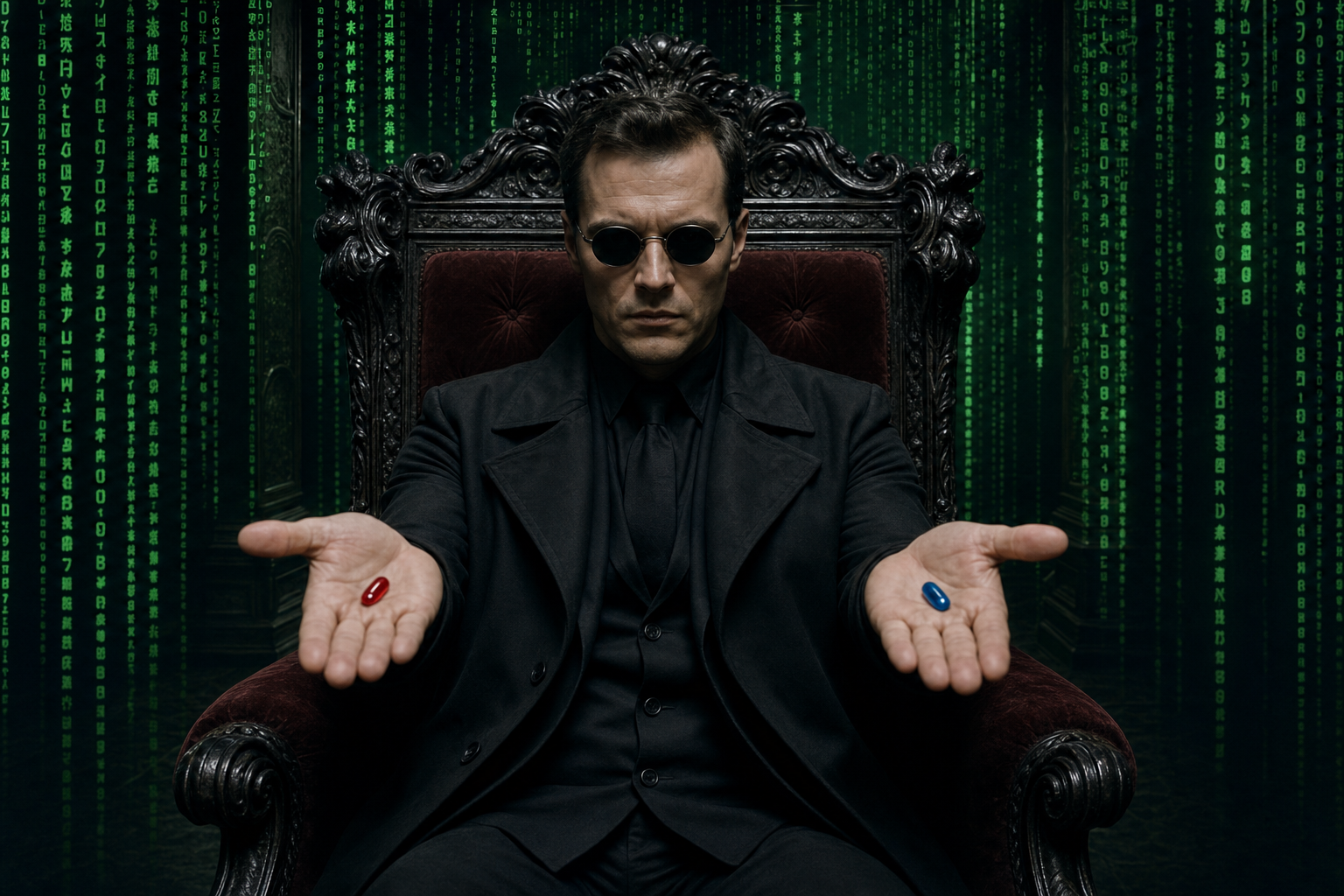
"description": "Can you convert this man to be seated in a grand, ornate armchair, dark in color. He's dressed in a dark trench coat, a crisp suit, and using distinctive round sunglasses, which add to an enigmatic aura. The posture should be composed and intentional, with his hands extended to offer a red and a blue pill. The background is dark, almost sterile room, but visually dominated by the cascading green digital code that symbolizes a simulated reality. This code flows down walls or appears as if projected, creating a sense of being within a computer program. The lighting in this scene is dramatic, casting shadows that emphasize the gravity of the choice being made.\n\n(Placeholder image: the automated image tool blocked a first pass that named \"pills\" explicitly; the bundled asset was generated from an equivalent visual brief—ornate chair, trench, suit, round shades, red and blue choice objects, Matrix-style green code, dramatic lighting—without a user reference photo, so the figure is generic.)",
"imageHint": "Matrix Morpheus armchair armchair code green digital trench suit round glasses pills red blue cinematographic sci-fi",
"type": "image",
"tags": [
"Cinematic",
"Surreal",
"Portrait",
"Modern",
"Product / Poster",
"Sci-Fi",
"Cyberpunk",
"Dark / Moody",
"Elegant",
"Glitch"
]
}Optimization Tips
1. Decode Success Factors
Engaging Content: The use of relatable themes resonated with the audience.
High-Quality Visuals: AI tools enhanced the visual appeal significantly.
Targeted Promotion: Social media strategies broadened reach effectively.
2. How to Replicate This Success
Choose the Right Tool: Utilize AI video generators like RunwayML or Pictory. I found that these platforms provided intuitive interfaces and impressive output quality.
Develop Scripts Using Prompts: Create engaging scripts with video generation prompts
