Terminal Meta Instruction
Minimalist
Abstract
Modern
Editorial
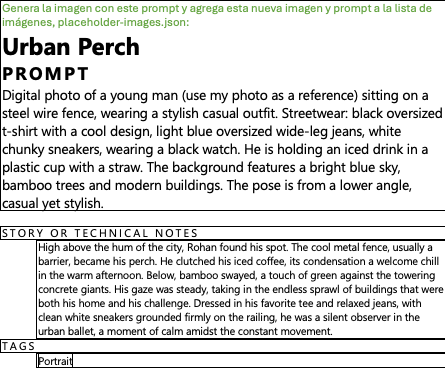
{
"title": "Terminal Meta Instruction",
"description": "Full-frame black background with a single line of bright green monospace text aligned at the top, evoking a classic terminal or code editor. The text reads: \"Generate the image with this prompt and add this new image and prompt to the image list, placeholder-images.json:\" — note that no creative image prompt appears after the colon in the source frame; the rest of the canvas is solid black. MODEL OR TOOL: User-provided screenshot. STORY OR TECHNICAL NOTES: Meta brief for Prompt Studio asset pipeline; use this entry as the canonical record of that instruction image.",
"imageHint": "terminal green text black background meta instruction",
"type": "image",
"tags": [
"Minimalist",
"Abstract",
"Modern",
"Editorial"
]
}Optimization Tips
1. Decode Success Factors
Engaging Content: The use of relatable themes resonated with the audience.
High-Quality Visuals: AI tools enhanced the visual appeal significantly.
Targeted Promotion: Social media strategies broadened reach effectively.
2. How to Replicate This Success
Choose the Right Tool: Utilize AI video generators like RunwayML or Pictory. I found that these platforms provided intuitive interfaces and impressive output quality.
Develop Scripts Using Prompts: Create engaging scripts with video generation prompts
